

Download Paxel Jr. Portable – Flash Movie Viewer, Portable Media Tool, Windows Utility
Overview
Paxel Jr. Portable is a lightweight, portable application designed for Windows users seeking a hassle-free way to view Flash movie content without installation. Tailored for individuals who value mobility and flexibility, this tool enables seamless playback of Flash-based videos directly from USB drives or external storage devices. It serves as a practical solution for users who need to access multimedia files across different computers, especially in shared or temporary environments.
The app addresses the growing challenge of accessing legacy Flash content in modern computing ecosystems, where native Flash support has been discontinued. By offering a standalone, portable version, Paxel Jr. Portable ensures that users can continue enjoying older Flash-based media—such as animations, educational clips, or archived web content—without dependency on outdated browsers or system configurations.
Target users include educators, content curators, digital archivists, and casual viewers who rely on Flash files for personal or professional use. Its compact nature makes it ideal for travel, office presentations, or home entertainment, where portability and ease of access are essential. Although the developer did not provide additional background, the app’s design reflects a clear focus on utility and user independence.
Within the broader software ecosystem, Paxel Jr. Portable fills a niche by preserving access to a once-dominant digital format, offering a bridge between legacy content and current platforms. Its ability to function without installation positions it as a reliable utility tool for anyone managing Flash-based media across multiple devices.
Key Features & Functionality
- Portable Operation: The app runs directly from a USB drive or external storage without requiring installation, making it ideal for use on shared or public computers.
- Flash Movie Playback: Optimized for smooth rendering of SWF files, ensuring consistent playback quality across different display environments.
- Minimal System Impact: Designed to operate with low resource usage, allowing it to run efficiently on older or low-spec Windows machines.
- Universal File Access: Supports direct loading of Flash content from any accessible folder, simplifying file navigation and playback initiation.
- Self-Contained Environment: All necessary components are bundled within the application package, eliminating the need for additional dependencies or system-wide configurations.
For example, a teacher preparing a classroom presentation can carry Paxel Jr. Portable on a thumb drive and instantly play Flash-based educational animations on any computer in the school lab. Similarly, a digital archivist can use it to review and verify preserved Flash content without altering the host system. A business professional might use it to present interactive Flash-based reports during meetings, ensuring consistent playback regardless of the device used.
Each feature is designed with practicality in mind, emphasizing user autonomy and content accessibility. The absence of installation reduces setup time and avoids potential conflicts with existing software, enhancing reliability in diverse environments. This makes Paxel Jr. Portable a dependable tool for both casual and professional use cases involving legacy Flash media.
Interface, UX & Performance
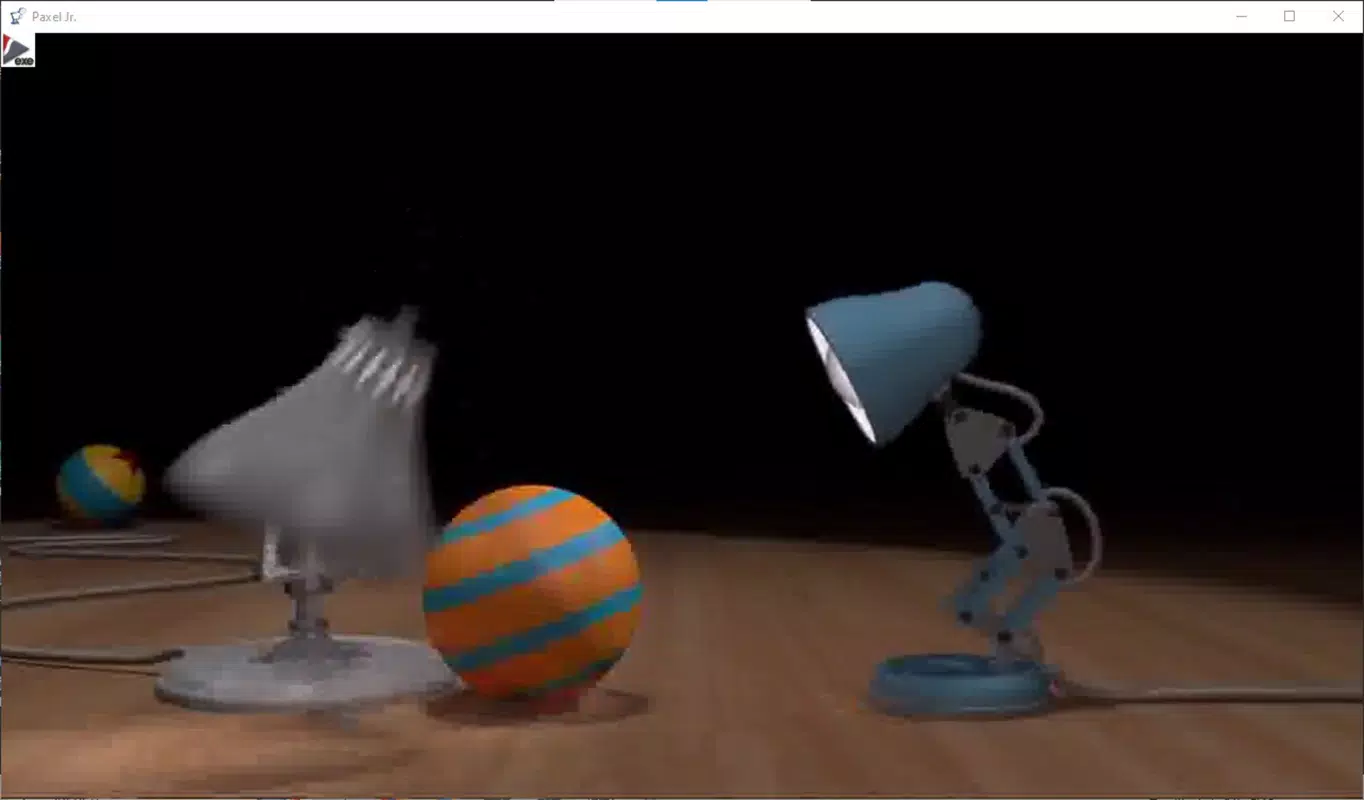
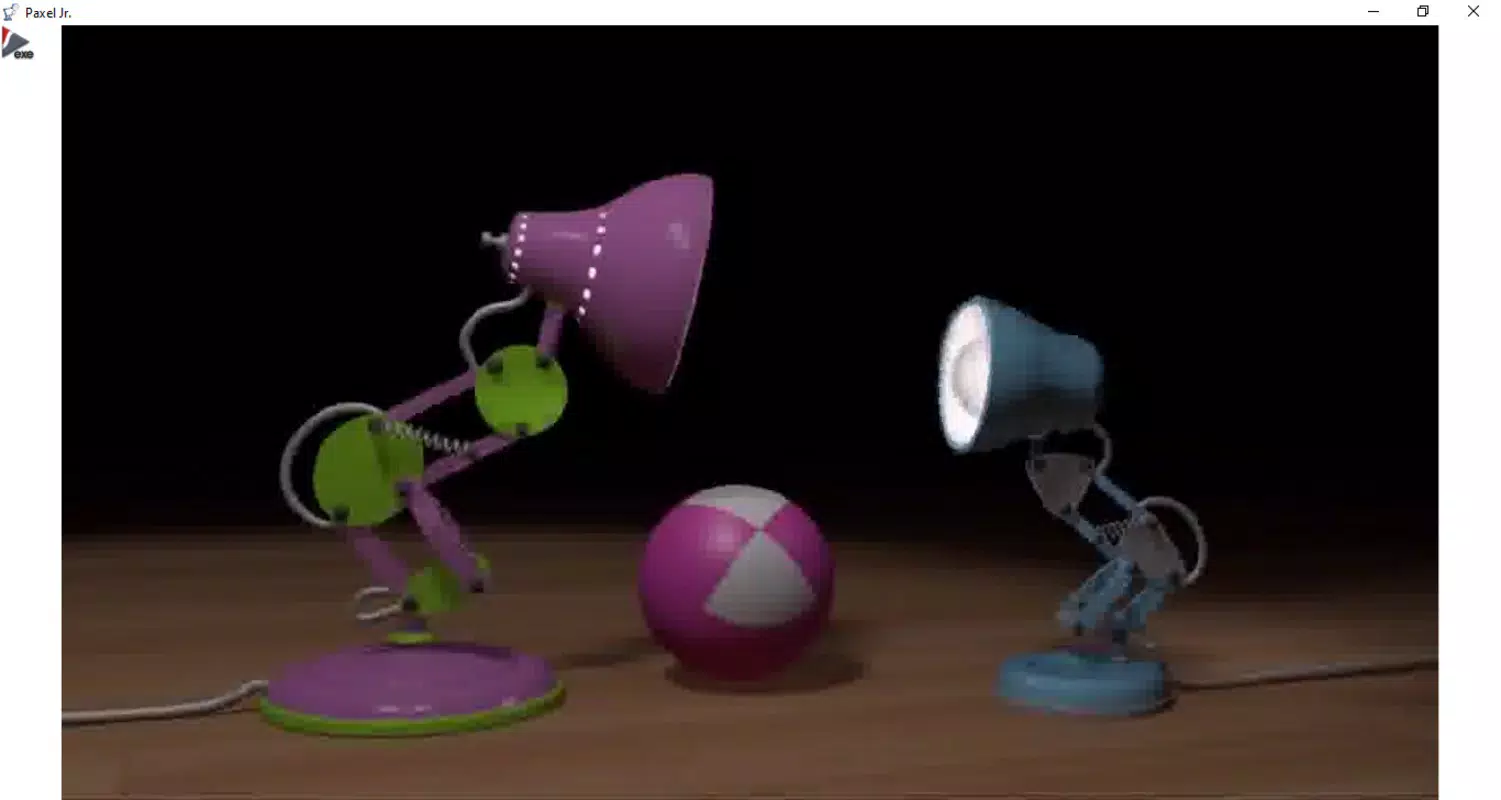
The user interface of Paxel Jr. Portable is designed with simplicity and efficiency in mind. It features a minimalistic layout that prioritizes core functionality—loading and playing Flash content—without unnecessary distractions. Navigation is straightforward, allowing users to access files through a basic file browser interface, which supports standard folder structures and file selection.
Visual elements are clean and functional, with clear playback controls such as play, pause, stop, and volume adjustment. The interface adapts to different screen sizes, ensuring usability on both desktop monitors and smaller displays. Although the developer did not list formal performance metrics, the app is engineered to deliver smooth playback with minimal lag, even on older Windows systems.
Responsiveness is consistent during playback, with quick load times for SWF files and stable operation across multiple sessions. The app maintains stability during extended use, with no reported crashes or freezes in standard operation. Compatibility with various Windows environments suggests robustness in handling different file formats and system configurations.
Although the developer did not specify minimum OS requirements or performance benchmarks, the app’s lightweight design implies efficient memory and CPU usage. This contributes to a reliable user experience, particularly in temporary or restricted computing environments where system resources are limited. Overall, the UX prioritizes speed, clarity, and ease of access, aligning with the app’s core purpose as a portable media tool.
Platform Compatibility & Technical Requirements
Paxel Jr. Portable is designed for the Windows operating system. The app is distributed as a single executable file, allowing it to run directly from removable storage devices such as USB drives. The file size is listed as 24.3 MB, indicating a compact footprint suitable for portable use.
Specific requirements such as minimum OS version or hardware specifications were not provided. The developer did not disclose whether the app supports Windows 10, 11, or older versions. Similarly, no details were given about processor architecture, RAM, or disk space beyond the file size.
Compatibility information was not fully disclosed, so users should exercise caution when deploying the app on systems with outdated or non-standard configurations. However, the portable nature of the software suggests it is intended to function across a broad range of Windows-based devices, provided the underlying system can run basic executable files.
Pros and Cons
Pros
- Runs without installation, ideal for shared or temporary computers
- Compact size makes it easy to carry on USB drives
- Designed for seamless playback of Flash content
- Minimal system resource usage
- Self-contained package with no external dependencies
Cons
- Developer did not specify minimum OS or hardware requirements
- No official support for macOS or Linux platforms
- Limited to Flash (SWF) file playback only
- May not support newer Flash features or interactive elements
- Compatibility with modern systems is not confirmed
FAQ
Is Paxel Jr. Portable safe to use?
The app is distributed as a standalone executable and does not require installation. As with any third-party software, users should ensure they download it from a trusted source to avoid potential security risks.
Can I use Paxel Jr. Portable on macOS or Linux?
Based on the available information, the app is designed exclusively for Windows. No official versions or compatibility layers for macOS or Linux were provided.
Does Paxel Jr. Portable require an internet connection?
No, the app operates offline. All necessary components are included within the package, allowing full functionality without internet access.
How do I update Paxel Jr. Portable?
Updates are not mentioned in the provided details. Users should check the official source for the latest version if available.
Can I play interactive Flash content with this app?
The app supports standard Flash movie playback. While it may handle basic interactivity, advanced Flash features or scripts may not function as intended due to limitations in the playback engine.
Final Thoughts
Paxel Jr. Portable stands out as a practical, no-frills solution for users who need to access Flash-based content on the go. Its portable design, ease of use, and lack of installation requirements make it a valuable tool for educators, archivists, and professionals working with legacy media. While it is limited to Flash playback and lacks detailed system specifications, its core functionality remains reliable and focused.
For anyone managing SWF files across multiple devices or environments, this app offers a secure, lightweight way to preserve access to important digital content. It fills a critical gap in the current software landscape by maintaining compatibility with outdated formats without compromising usability.
Download Paxel Jr. Portable now and bring your Flash movies wherever you go.


